Your Marloth visit starts here
Welcome to Marloth Park
Simple, practical help for your stay, wildlife and time in the bush.
Free for 24 hours
Open your Companion
This QR opens the Companion directly. No gate card, special code or sign-in is needed.
Hello, Explorer
Know where you are.
Know what to do.
MPC Family Watch
Keep your family connected during your Marloth stay.
See your children's latest shared locations.

Family Watch
Family Watch access is not active on this phone.
Checking current Family Watch access…
30 consecutive days · up to 2 guardians and 4 Childrenz devices.
Use the same email address that received the code. Codes expire after 20 minutes and work once.
My Children
Distance from you
Optional. When on, Family Watch can show how far each child is from this guardian device. Location availability depends on your phone and browser.
Your GPS status will appear here.
Latest family view
Relative family view around My Stay — not navigation.
Paired Childrenz devices
Pair Childrenz
Pair guardian device
Connected guardian devices
Choose your family distance
This is a family-selected distance, not a guarantee that an area is safe.
My Stay
Set the place your host gave you.
Search checked Marloth property information. Do not guess an address.
Host notes / arrival instructions
Optional, visitor-entered notes stored only on this device. MPC does not verify this wording.
Departure day is your last saved day. My Stay clears automatically after that day.
Save only if this is the place supplied by your host.
Set My Stay for your saved map marker
Set a confirmed My Stay to open your map and place your saved marker.
Explore
Your Marloth Adventure
Your bushveld adventure, kept on this device.
Marloth Park Wildlife
Wildlife around you.
Explore animals included for Marloth Park and tap a card for quick recognition and safer behaviour guidance.
More
Everything else for your stay.
Open emergency help, visitor help, saved information, language, accessibility and offline information from one place.
Choose saved shortcuts
Your choices stay on this device. They do not create a business profile or location history.
Visitor Help
What do you need help with?
Use the quickest relevant action. For an emergency, open SOS.
Saved
Useful things you chose to keep close.
These shortcuts are stored only on this device.
Language
Choose your Companion language.
Your current approved language choices are available from the language selector at the top of the Companion.
Accessibility
Make the Companion easier to use.
These settings stay on this device.
Offline Information
Keep the essentials available when signal drops.
The Companion checks stored essentials before saying they are ready offline.
- My Stay remains on this device.
- Emergency contacts and core visitor guidance are stored for offline use once readiness is confirmed.
- Wildlife guidance and the Companion interface remain available once stored.
- The live MPC MAP needs a connection unless its own current map experience says otherwise.
If My Stay is not set, use the exact location information available to you. Do not guess.
Give the essentials in this order
- Give your exact location first.
- Say what happened.
- Say how many people are involved.
- Mention immediate dangers such as fire, wildlife, traffic or injury.
- Follow the operator's instructions.
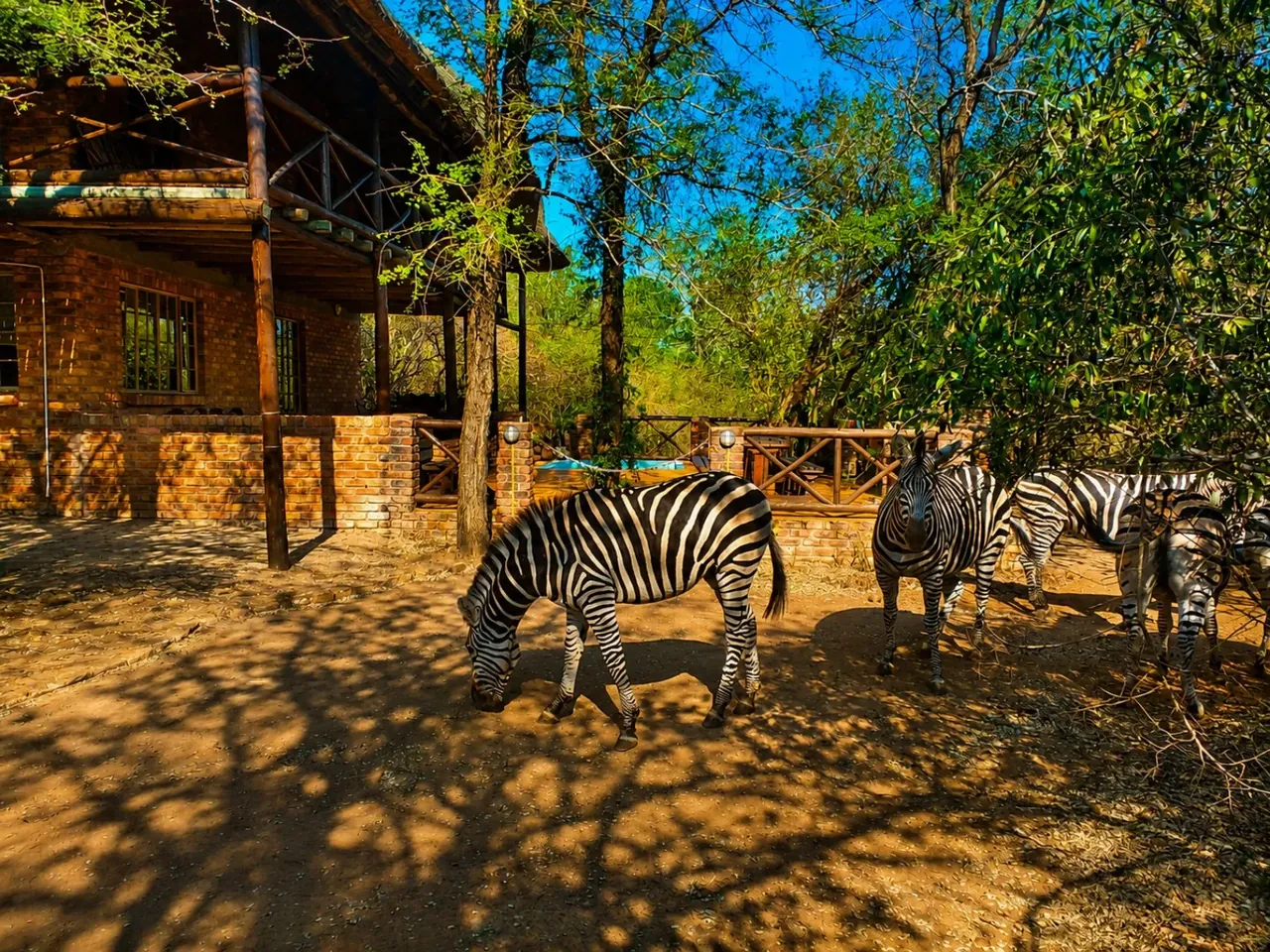
First 10 Minutes
Safety
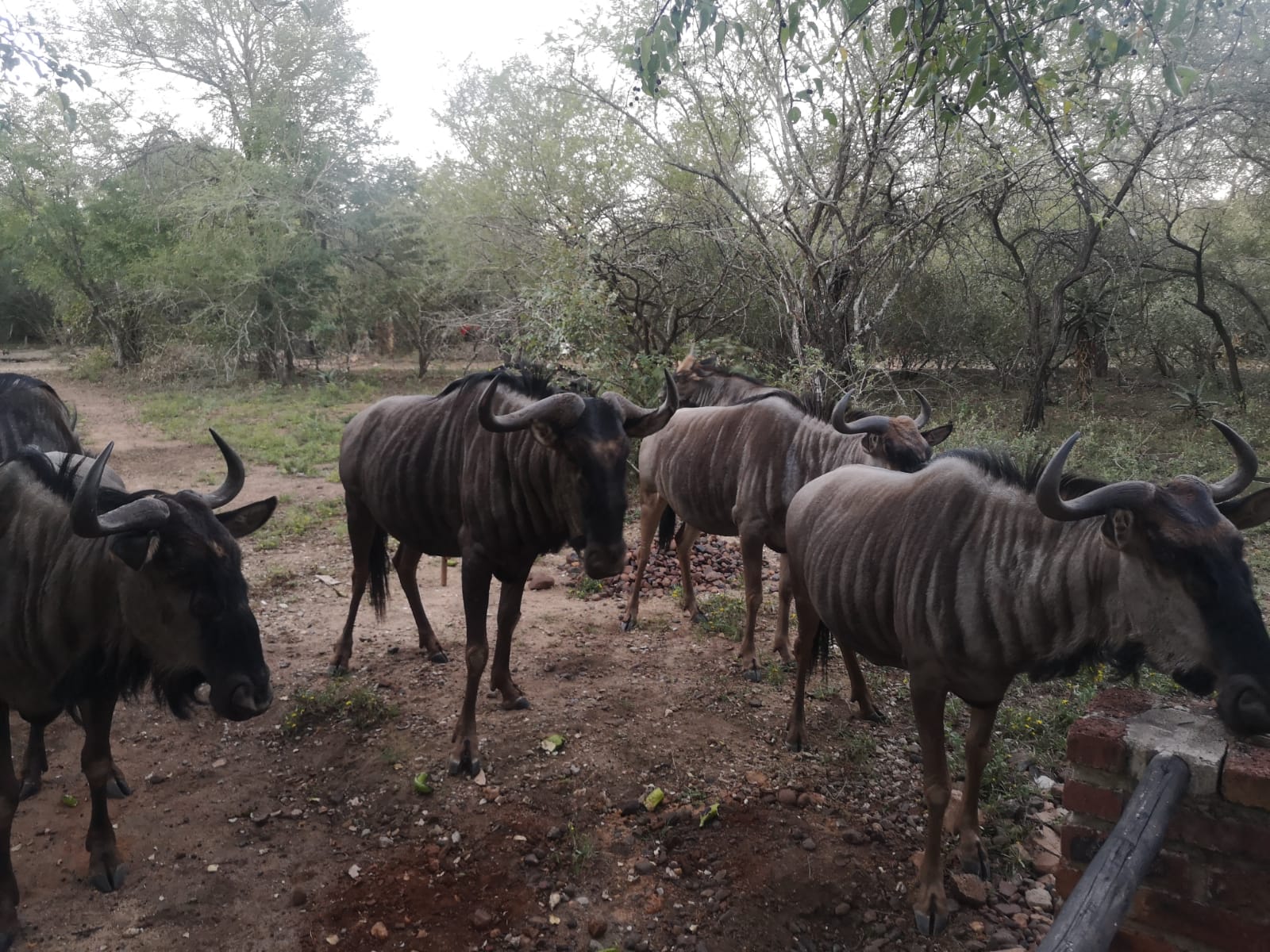
What to Expect
Immediate wildlife action
An animal is suddenly close.
Use this sequence first. Identification comes second.
- Stop moving towards it.Do not close the distance.
- Create space.Back away calmly if you can do so safely.
- Keep its route open.Do not surround, corner or block the animal.
- Move children away.Keep vulnerable people out of the encounter.
- Observe from a safer position.Do not approach for a photograph.
- Escalate if there is immediate danger.Open SOS and give your exact location first.
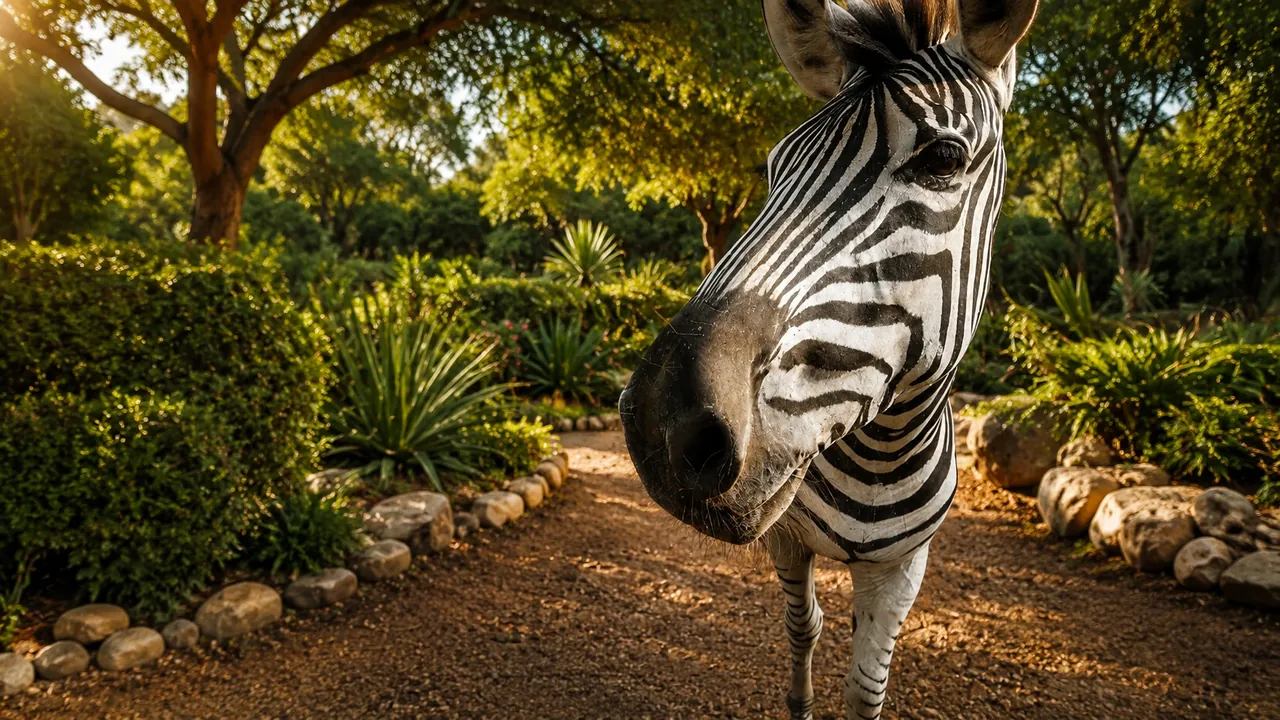
Zebra
Behaviour: if one is near you
A close sighting is not a guarantee of safety. Influence the animal as little as possible.